

We’ve all been there – you’re scrolling through Instagram, engrossed in your friends’ Stories when suddenly you encounter that frustrating message with the video: “This song is currently unavailable.” Sometimes the error goes with this text “This song can’t be played because it’s currently unavailable.”


It’s like the social media equivalent of a broken record, leaving you wondering why you can’t enjoy the full experience of your friends’ carefully curated Stories.
Whether you’re a music lover, a Stories enthusiast, or just looking to enhance your Instagram experience, we’ve got you covered. Let’s dive in and put an end to this story video blues once and for all.
What Causes This Error?
- Geographical Restrictions – Instagram’s music library varies by region due to licensing agreements. You’ll encounter this error if the song is not licensed for your location.
- Unavailable on Instagram – Sometimes, artists or copyright holders may restrict their music from being used on Instagram, leading to this error.
- Outdated App – Using an outdated version of the Instagram app can lead to compatibility issues with the music library.
- Network Issues – Slow or unstable internet connections may prevent Instagram from accessing the song’s data, resulting in errors.
Practical Solutions to Try to Fix the Error
Check Your Location Settings
Ensure that your Instagram account’s location settings are accurate. If you’re traveling or using a VPN, Instagram might detect an incorrect location, leading to the error. To resolve this:
- Go to your device’s settings.
- Navigate to Location Services (or similar) and enable it.
- Open the Instagram app and go to your profile.
- Tap on the three horizontal lines in the top-right corner.
- Select “Settings” and then “Account.”
- Tap on “Country/Region” and update your location if necessary.
Verify Song Availability
If you suspect that the song might not be available on Instagram due to copyright restrictions, you can try searching for it within the app’s music library:
- Open your Instagram Story.
- Swipe up to access the music library.
- Use the search bar to look for the song.
- If it doesn’t appear in the results, it may not be available on Instagram.
Update Your Instagram App
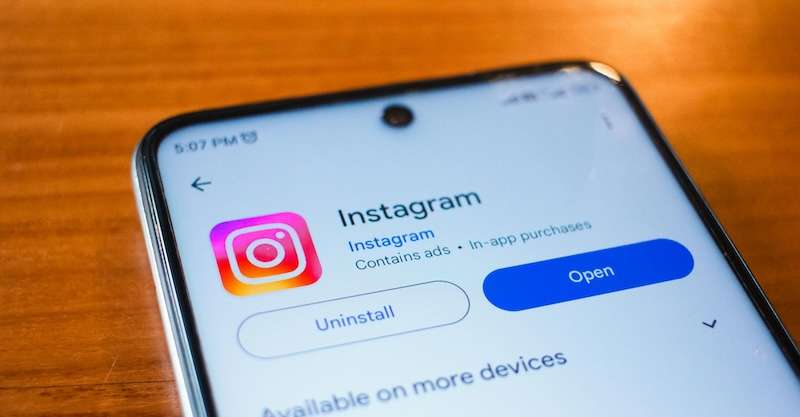
Using an outdated version of the Instagram app can lead to compatibility issues with its features, including music. To update the app:
- Visit your device’s app store (Google Play Store for Android, App Store for iOS).
- Search for “Instagram.”
- If an update is available, tap “Update.”
Check Your Internet Network for Connection Issues
A poor internet connection can prevent Instagram from accessing the necessary song data. To ensure a stable connection:
- Switch to a Wi-Fi network if possible.
- If using mobile data, make sure you have a strong signal.
- Restart your router or modem if your Wi-Fi is unstable.
- Clear your device’s cache to optimize performance.
Wrapping Up!
Instagram’s song unavailability glitch can be frustrating, but with the right troubleshooting steps, you can resolve it and continue enjoying music in your Story videos. Remember to check your location settings, verify song availability, keep your app up to date, and ensure a stable network connection.
By following these steps, you’ll be back to sharing your favorite tunes with your followers in no time.